.png?width=256&height=60&name=Logo%20(1).png)
Once you’ve completed all required training modules, you can download your Certificate of Completion directly from your Pixaera dashboard.
How to access your certificate
- Log in to Pixaera at app.pixaera.com.
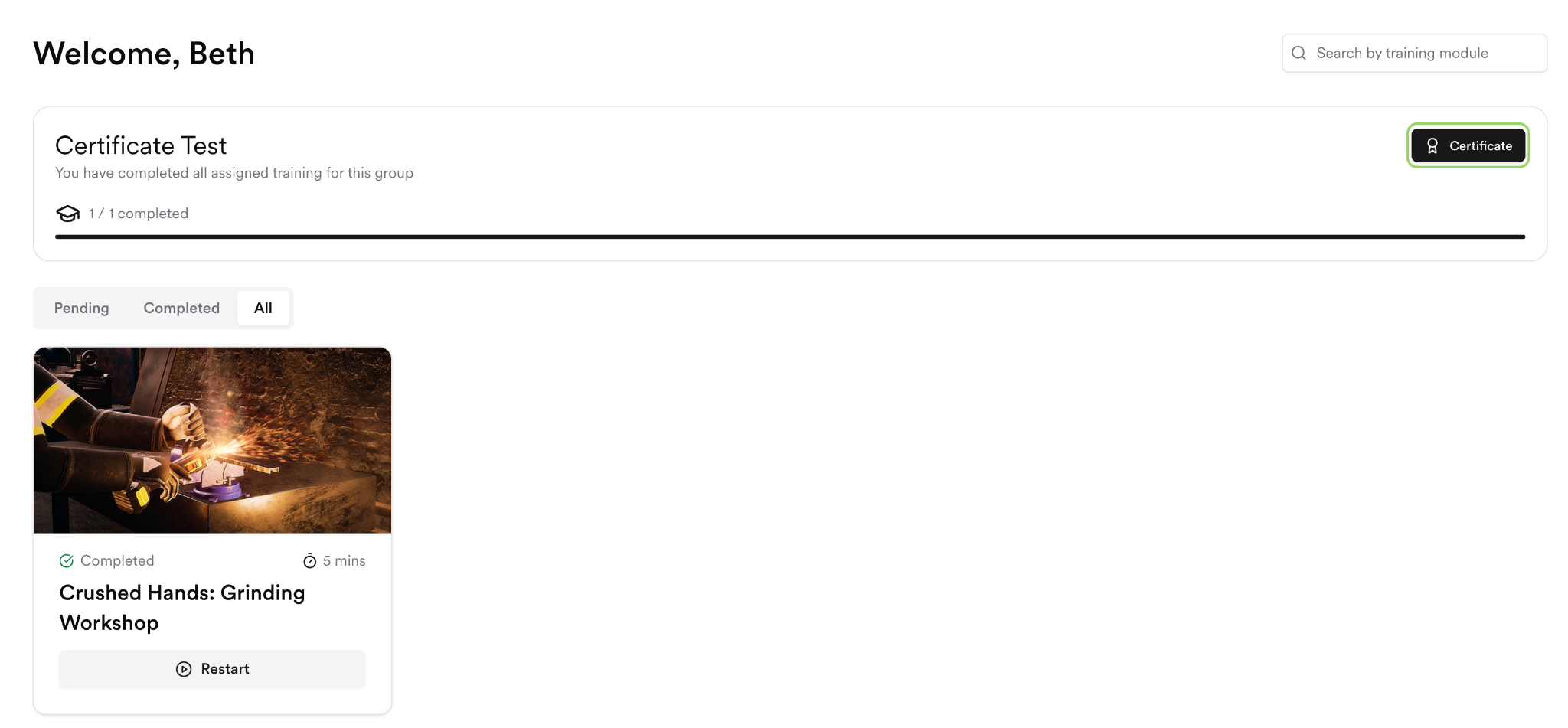
- On your dashboard, check that all required modules show a Completed status.
- Once all modules are complete, a Certificate button will appear on your dashboard.
- Click Certificate to download it as a PDF.
I can see the Certificate button but can’t download it
If clicking the button shows an error or nothing happens:
- Make sure your browser isn’t blocking pop-ups. Pixaera opens the certificate in a new tab. In Chrome, look for a pop-up blocked notification in the address bar and click Allow.
- Try a different browser (Chrome or Edge recommended).
- Try downloading in an incognito / InPrivate window.
Can Pixaera send my certificate to my supervisor or HR team?
Certificates are issued to the learner’s registered account. If your organisation requires certificates to be submitted to a supervisor or HR team, download the PDF from your dashboard and share it directly. Alternatively, contact your Pixaera administrator who can create these certificates for you.