.png?width=256&height=60&name=Logo%20(1).png)
Most Pixaera training can be completed on a mobile phone (Android or iOS) without the need to install an application.
What works on mobile
The following work fully on mobile:
- Standard advanced streaming training modules
- Multi-choice questions and knowledge checks
- Stop Work decision points
- Results review and feedback screens
- Certificate download
- Dashboard navigation
What requires a desktop browser
At this point in time some modules are not available on mobile devices, we are currently working through to ensure all modules are in the future. You will see the below message on each module that is unavailable on mobile.
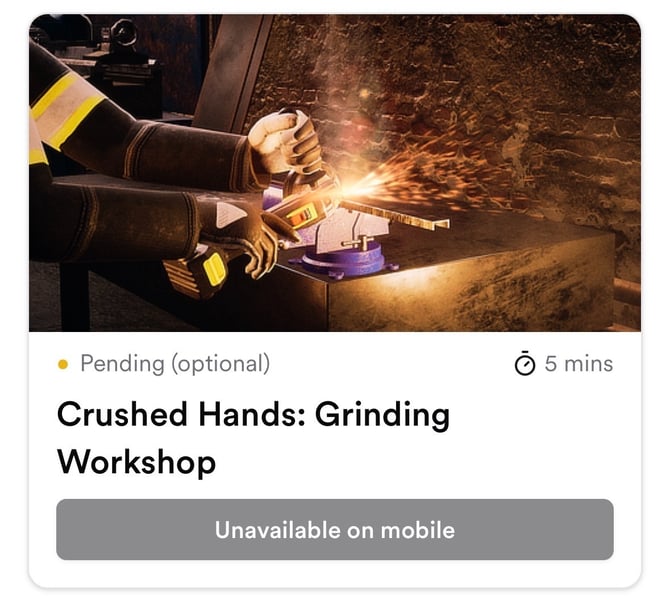
What to do if your module isn’t available on mobile
- Switch to a desktop or laptop computer and open the training in Chrome or Edge.
- If you don’t have access to a desktop at your location, speak to your supervisor - they may be able to arrange access to a shared workstation or complete the training in a classroom setting.
If you believe the module should be available on mobile but you’re still seeing the message, contact help@pixaera.com.
💡 Tips & best practices
- Most standard Life Saving Rules modules work on mobile.
- If you’re unsure whether your specific module works on mobile, try opening it on your phone - Pixaera will tell you clearly if it’s not supported.